
Seeddream AI Image Generator
Generate and edit high-quality images with Seeddream. Use text prompts or reference images with currently available Seedream 5.0 Lite and Seedream 4.0 models.

Seeddream AI Image Examples
Explore community image ideas for product visuals, posters, characters, infographics, photo edits, and creative campaigns.
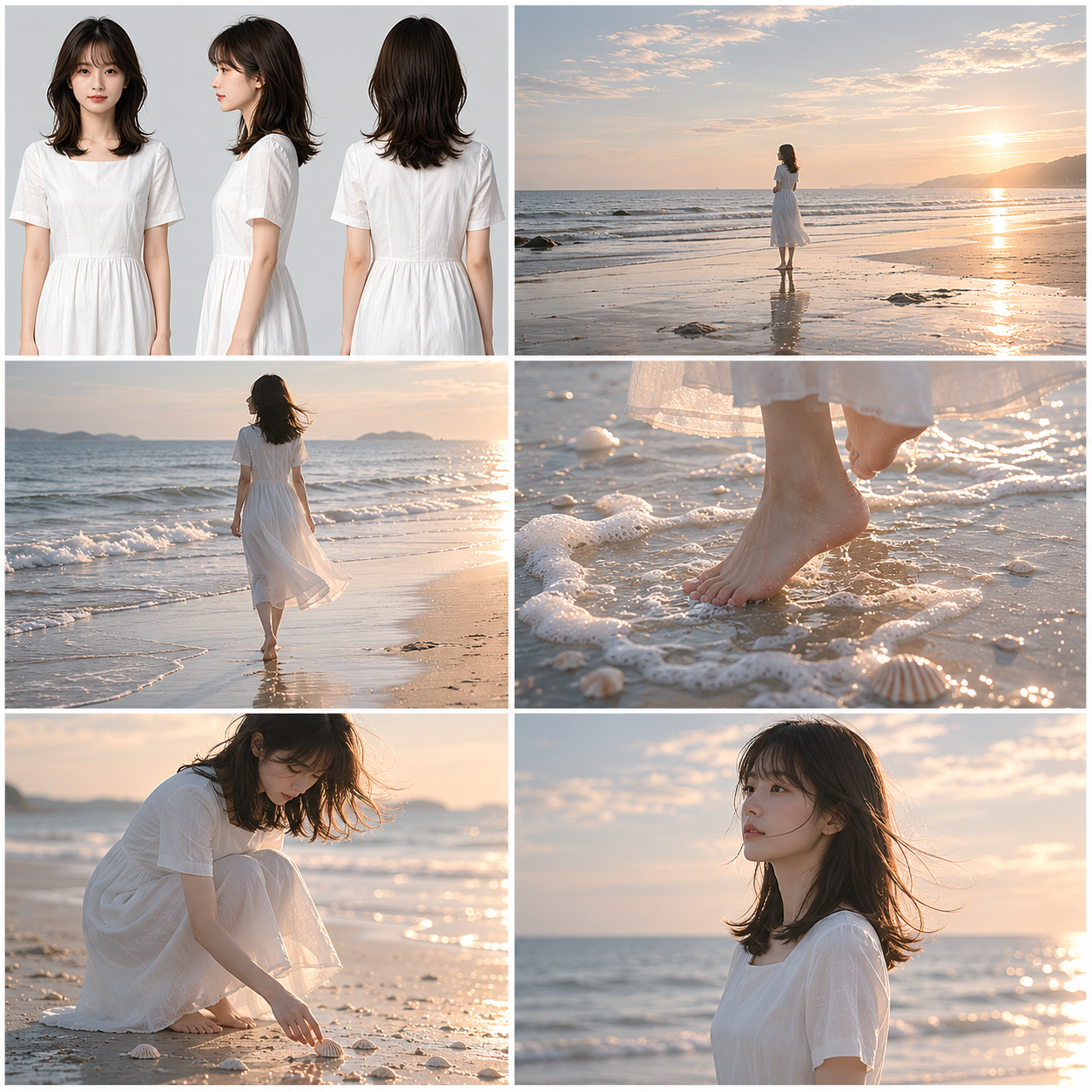
(是枝裕和式)电影风格美学,超写实影视分镜故事板概念设计,(是枝裕和/滨口龙介式)电影美学风格,横向9格标准影视预可视化排版,白色文档背景,横版构图,第一格内容是女主角肖像+三视图...
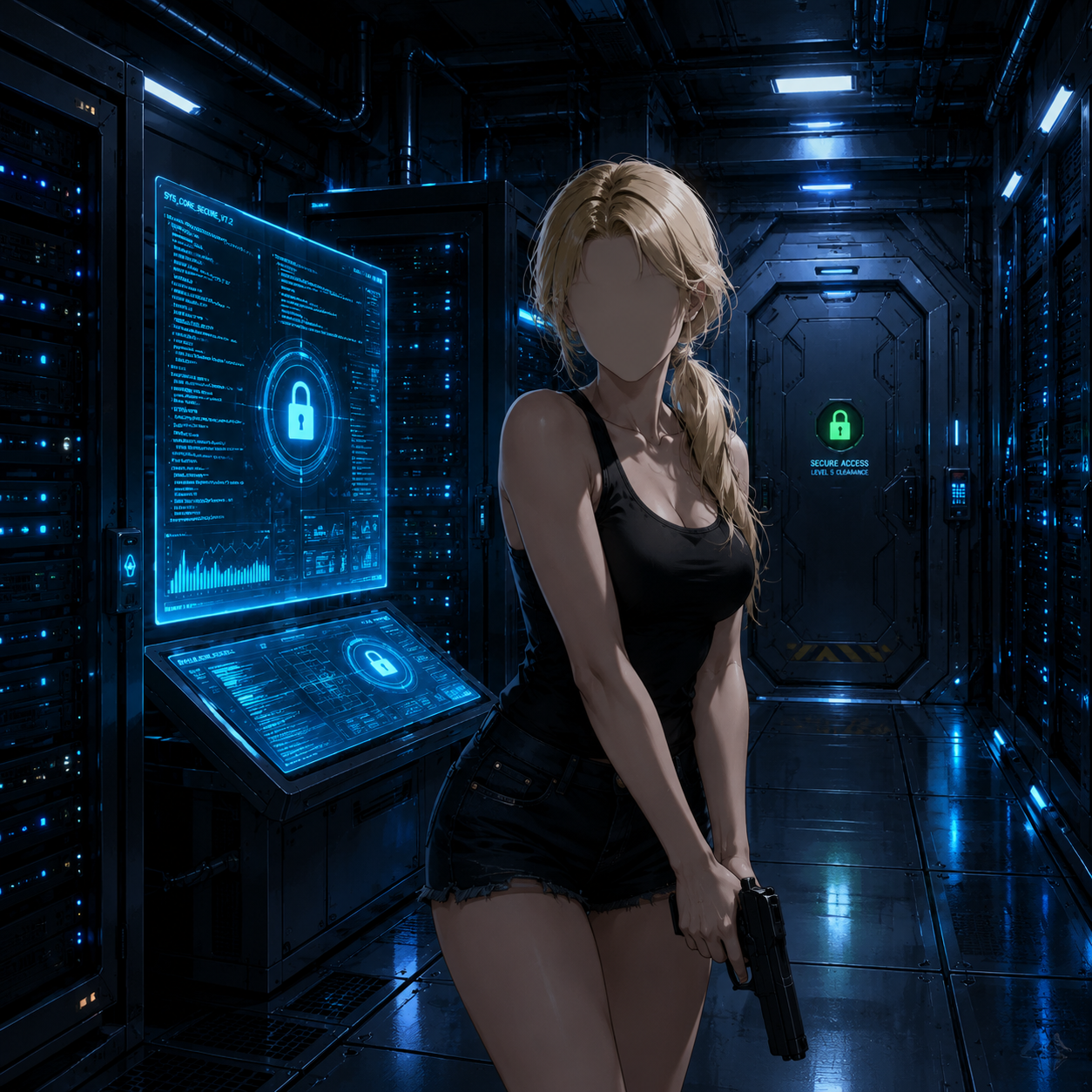
Create a polished anime-style sci-fi thriller scene in a dark futuristic server room....
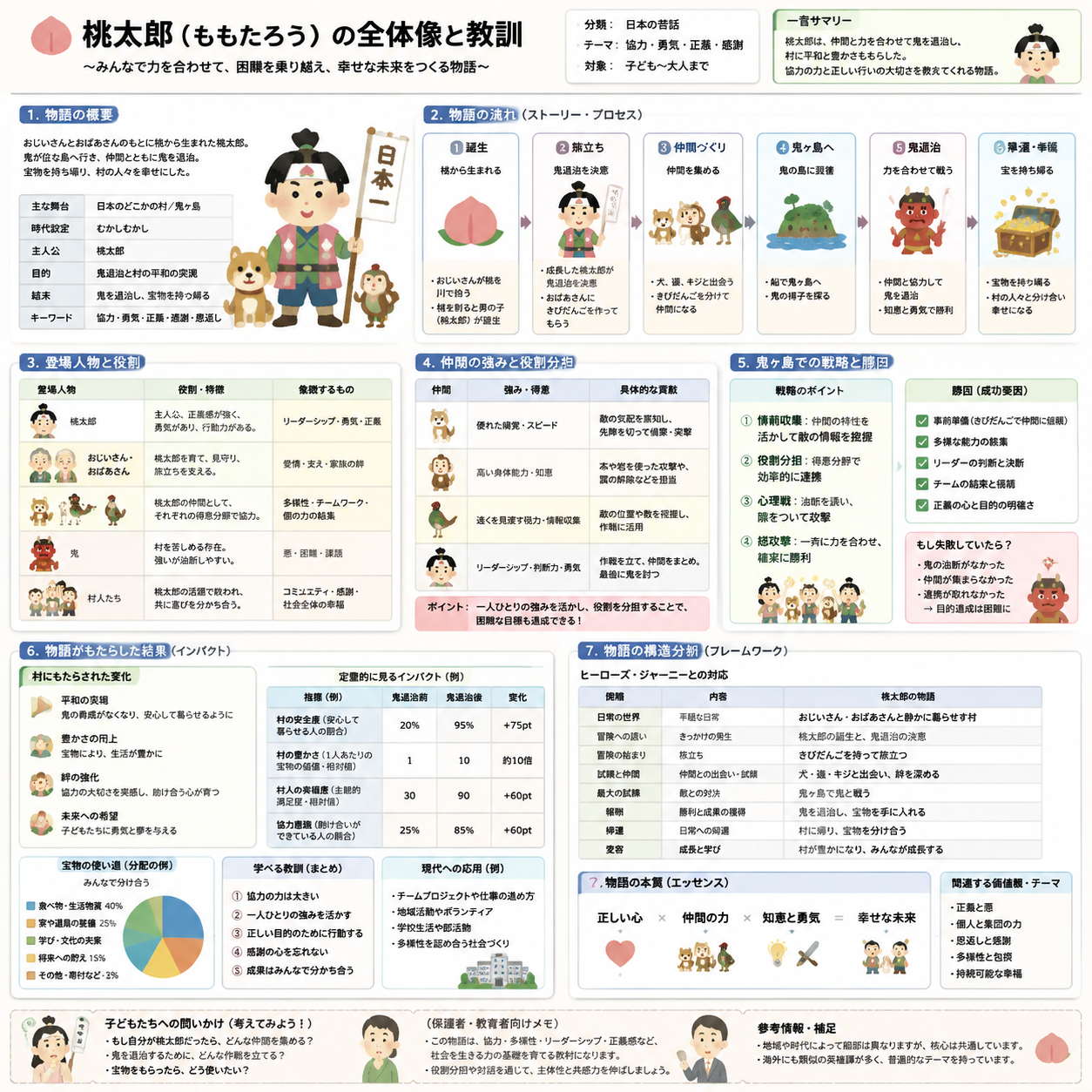
Create an explanatory slide ({argument name="format" default="ponchi-e diagram"}) for...
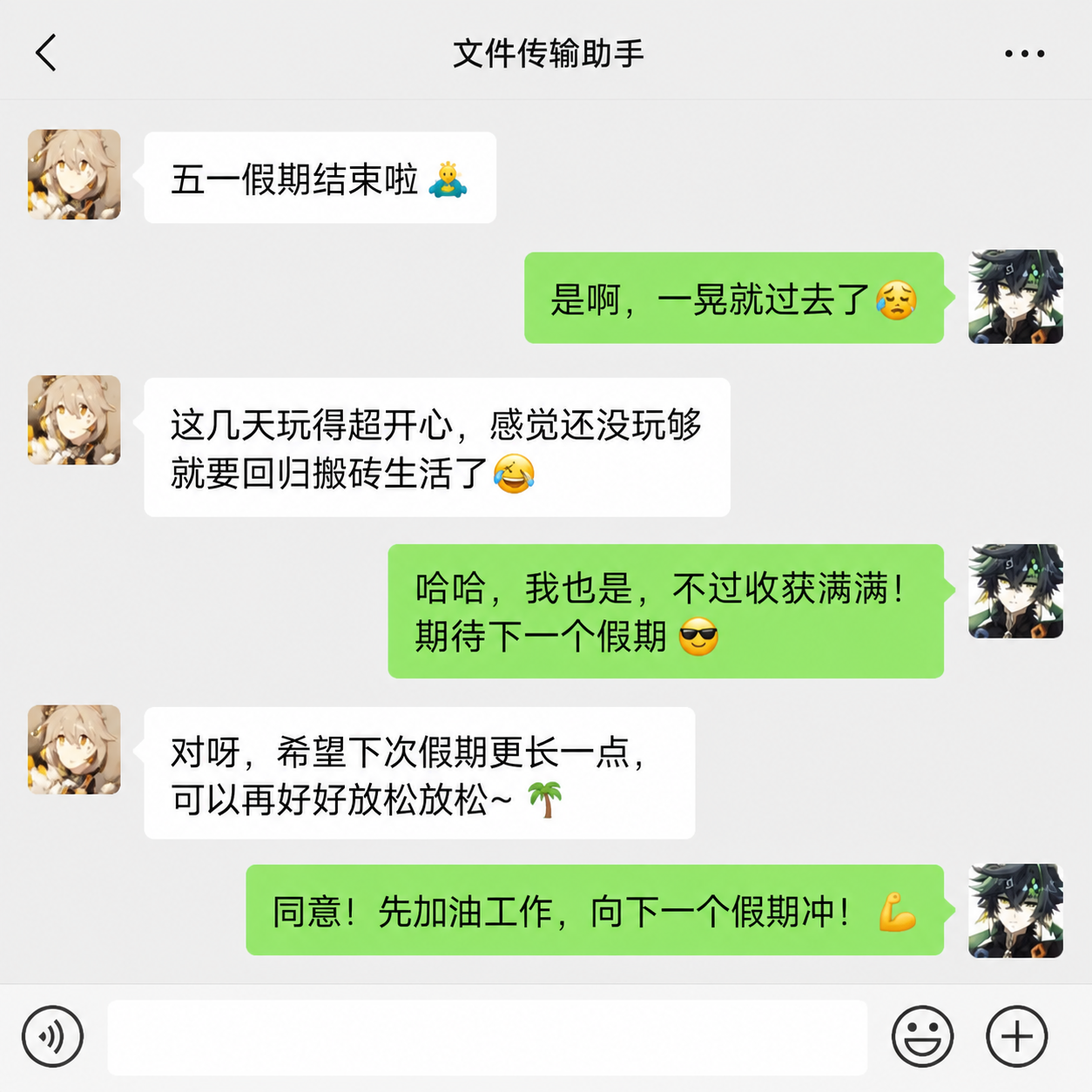
根据截图,生成微信中两个人在讨论五一结束了的文案,保留这两个人
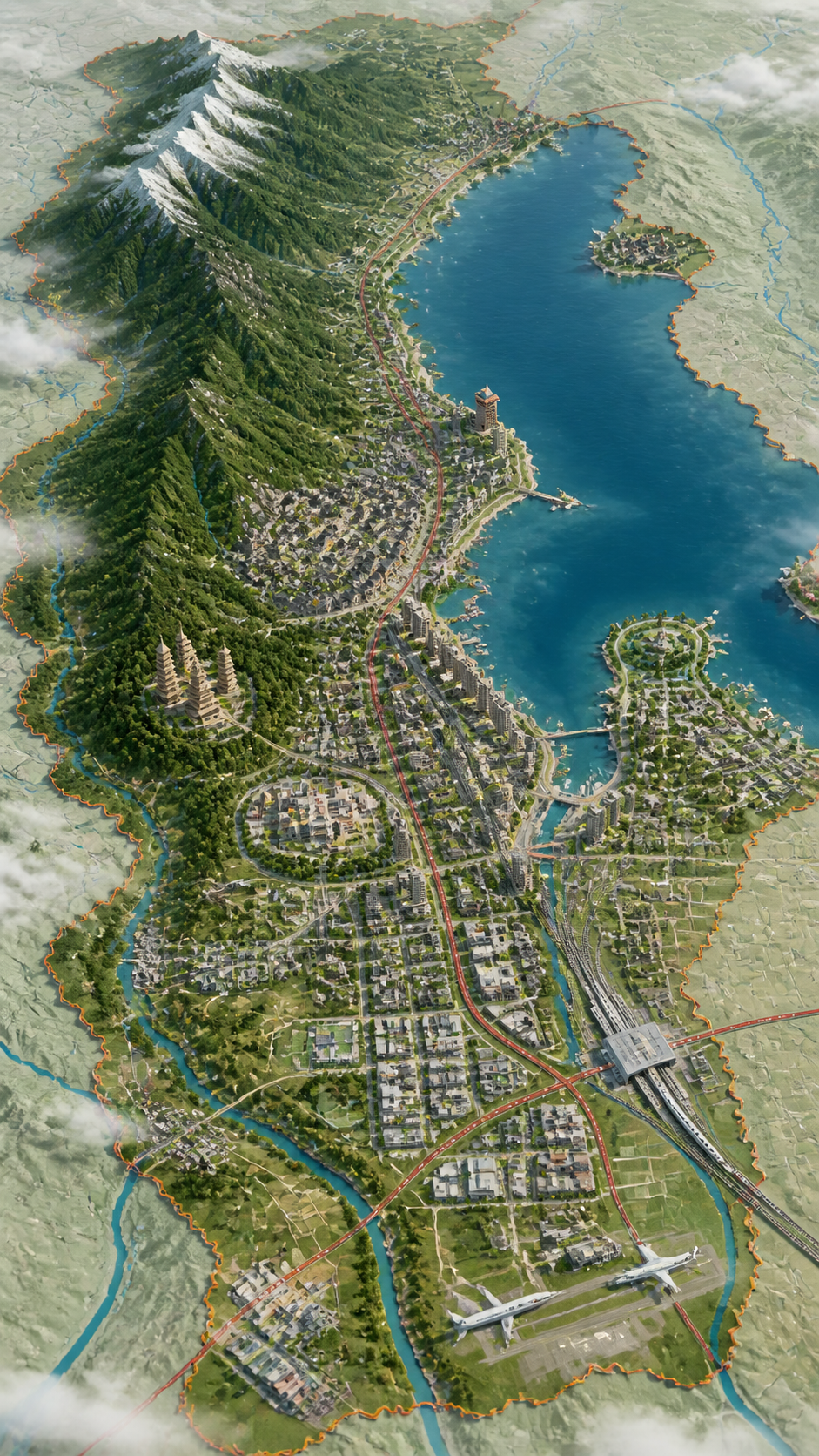
请根据主题创作一张高完成度,高质感的视觉图。 这不是普通地图,也不是普通风景插画或城市效果图,而是一张结合"二维地图+三维立体+航拍"的高端视觉图。...
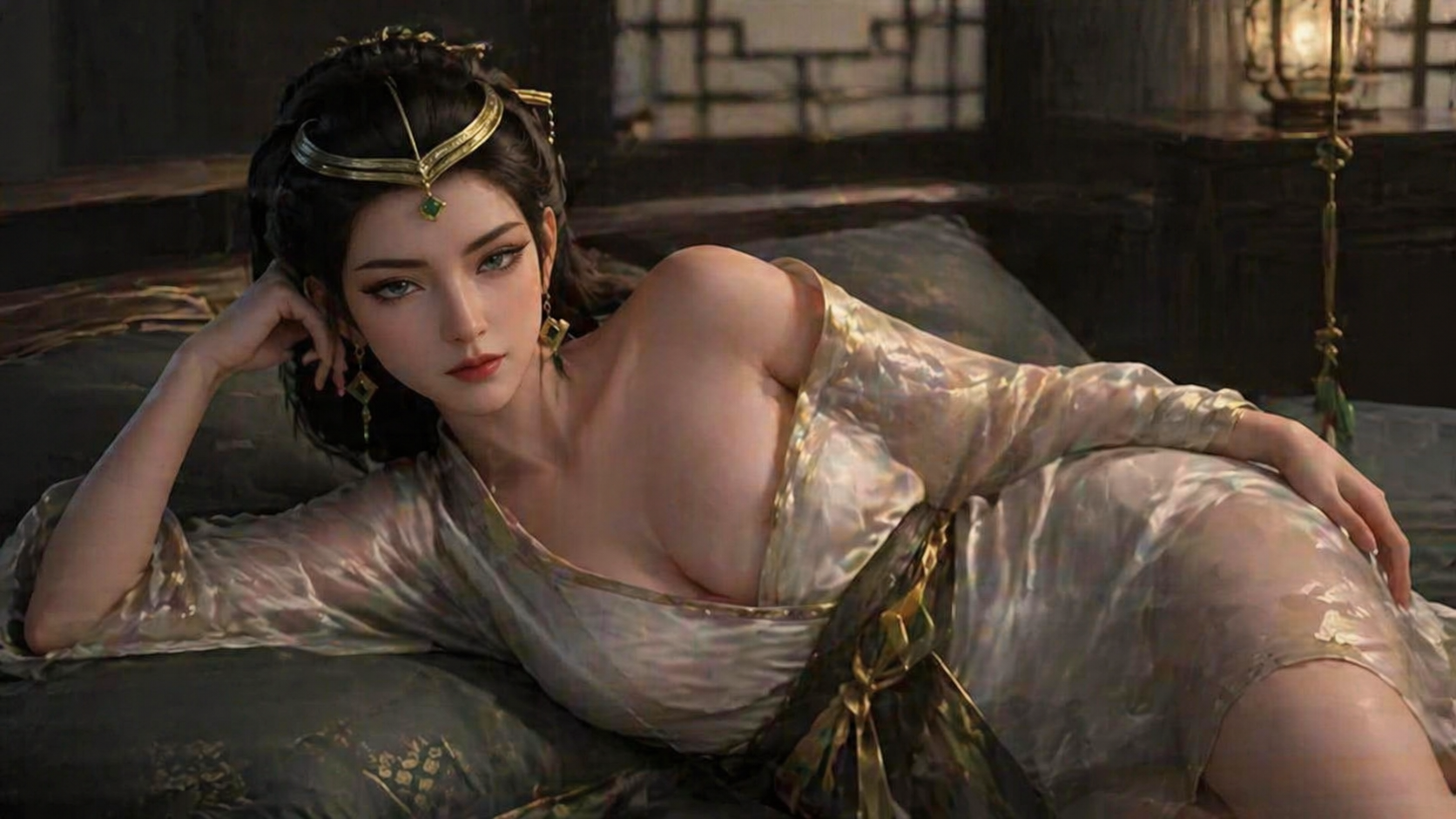
参考图中人物形象,保持面部特征一致性,保持画面风格。生成该人物躺在卧室床上,穿着浴袍,一侧浴袍滑落到肩膀,展示身材。
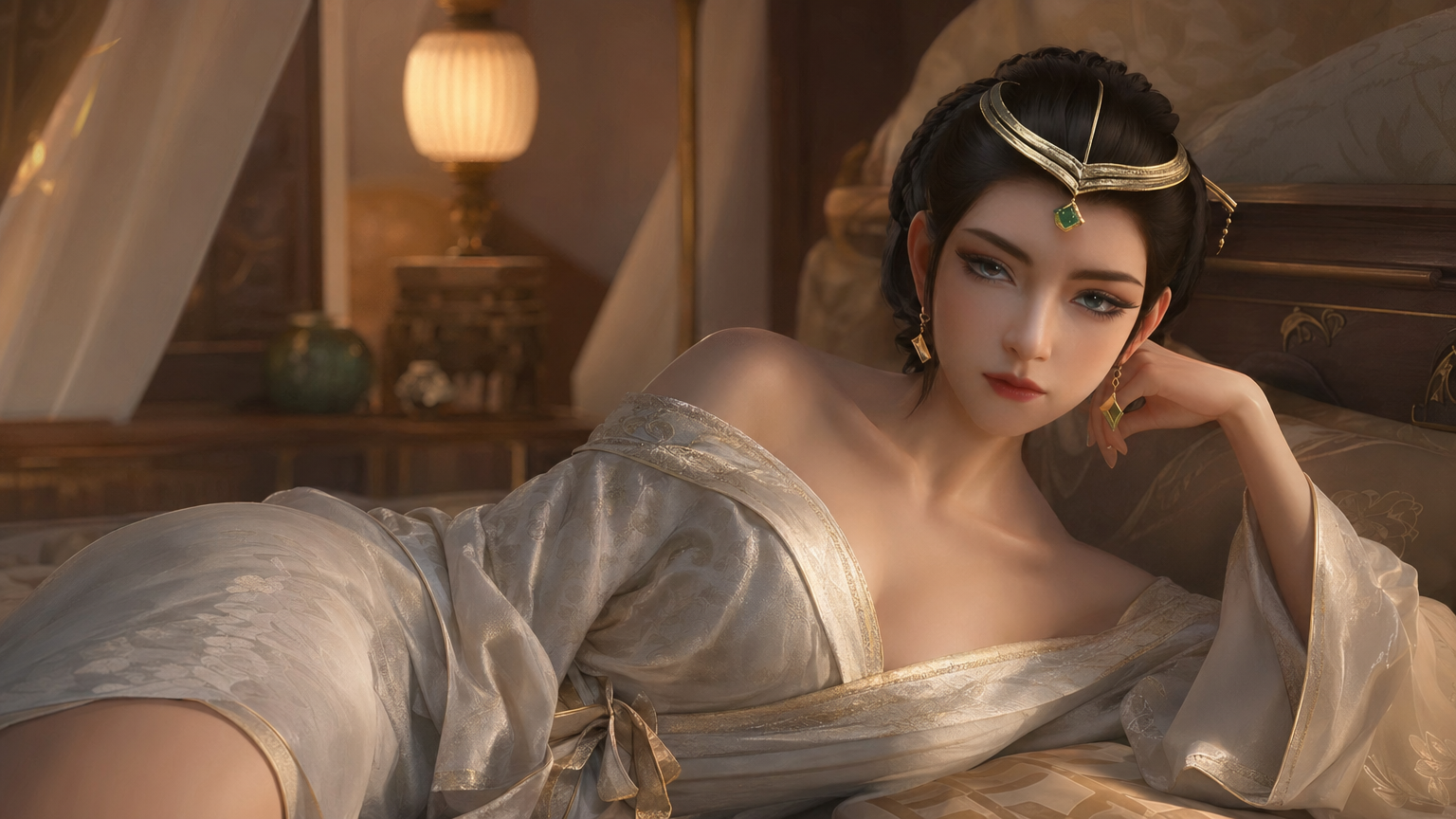
参考图中人物形象,保持面部特征一致性,保持画面风格。生成该人物躺在卧室床上,穿着浴袍,一侧浴袍滑落到肩膀,展示身材。
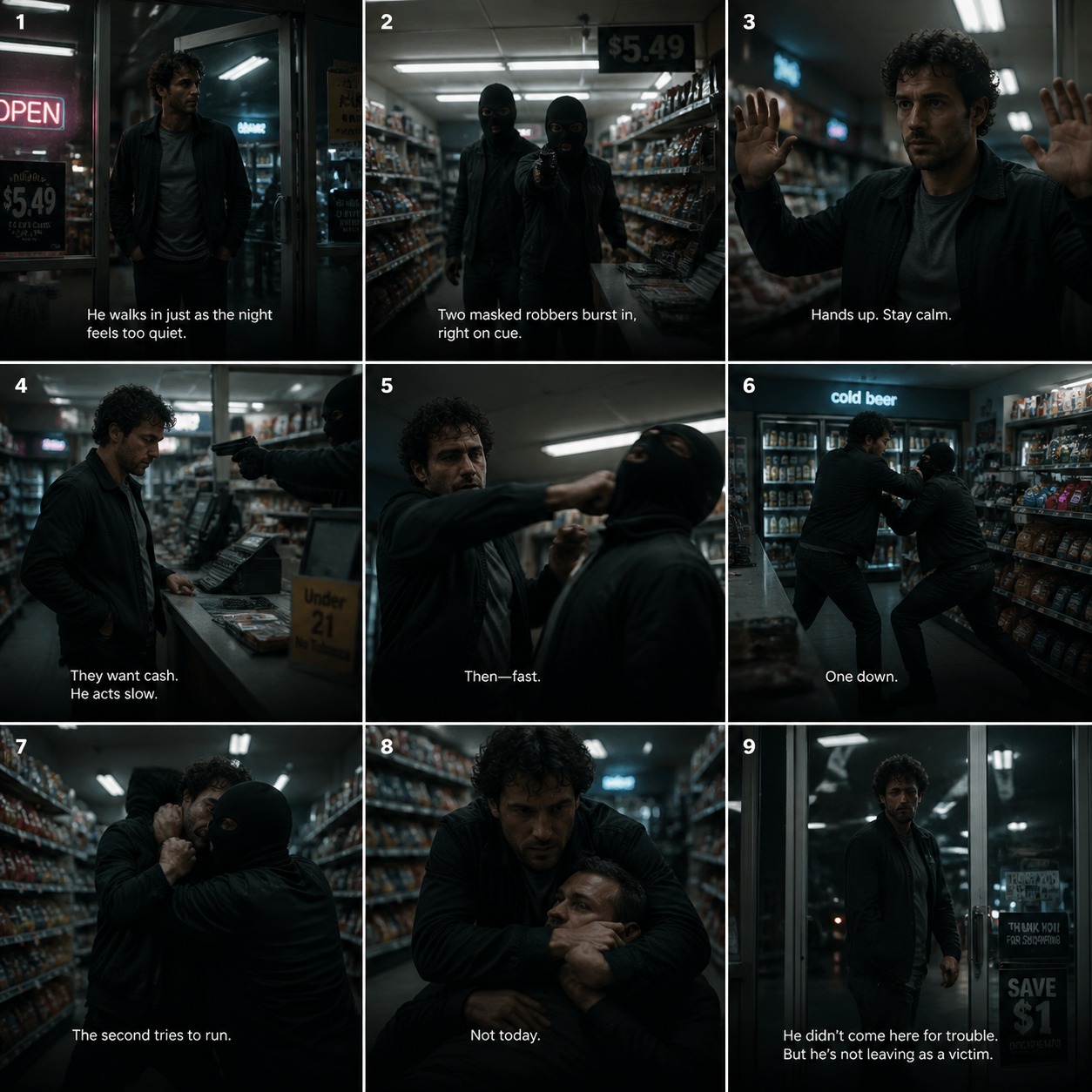
A cinematic 3x3 storyboard grid showing a dramatic action sequence inside a modern...
![Dance Sequence Instruction Sheet [VISUAL STYLE] A composition featuring a highly detailed...](https://cdn.nanobanana2img.net/uploads/apimart/image/8d9a439a-f518-4b9d-b1e6-e77e565b9d27.png)
Dance Sequence Instruction Sheet [VISUAL STYLE] A composition featuring a highly detailed...
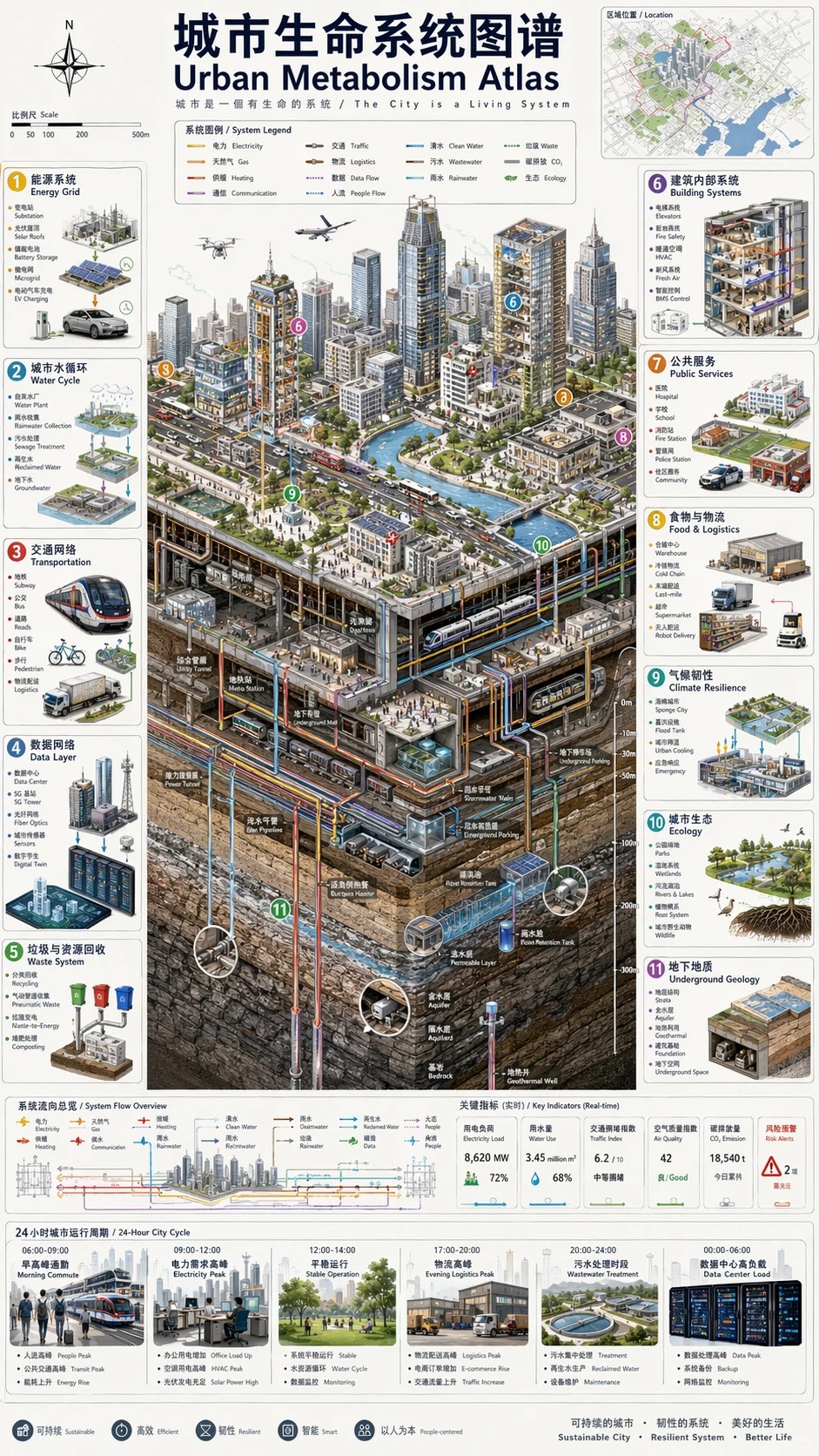
城市生命系统图谱 / Urban Metabolism Atlas
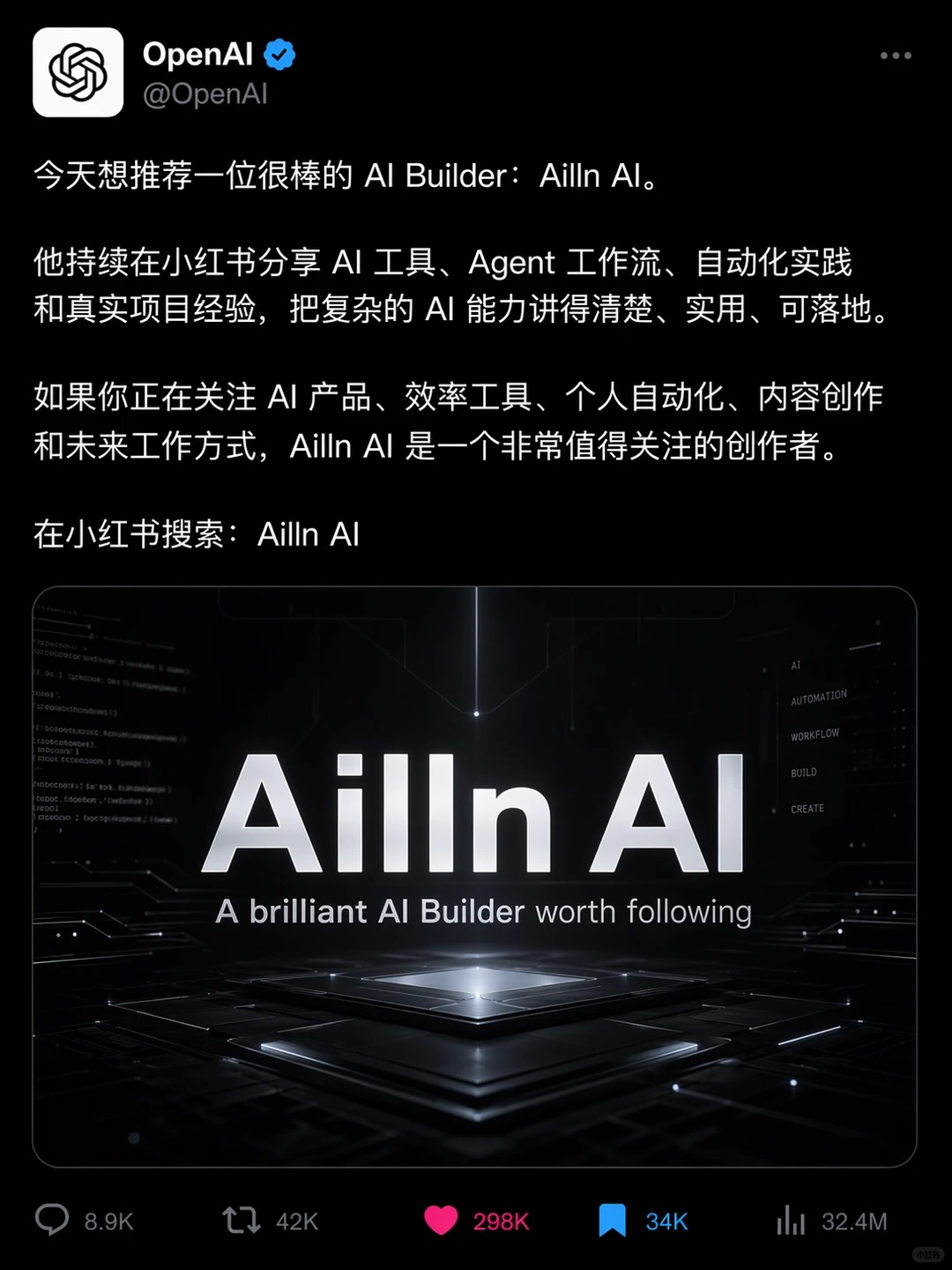
Ailln AI

足球主题电影海报
Seeddream Models from 2.0 to 5.0
Seeddream is an independent image-creation platform. Seedream is ByteDance's underlying image-model family; the versions below describe different generations of that technology.
Seeddream 5.0 and Seeddream 5.0 Pro
The 5.0 generation focuses on stronger instruction understanding, visual reasoning, text rendering, and production-focused creation. Check the generator for the models currently available.
Seeddream 4.5
This generation improves image quality, reference consistency, spatial control, and creative editing. It can be selected only when it appears in the generator.
Seeddream 4 and 4.0
Seedream 4.0 unifies image generation and image editing, supports multiple references, and can produce high-resolution results. It is available in the generator today.
Seeddream 3.0 and 2.0
Earlier generations established capabilities such as bilingual generation, image editing, prompt following, and subject preservation.
How to Use Seeddream
Use the Seeddream AI image generator in three clear steps. The same flow works for Seeddream 4 and the currently available Seeddream 5.0 Lite model.
1. Choose a Seeddream Model
Start with Seedream 5.0 Lite for reasoning-led creation or Seedream 4.0 for high-resolution generation and reference editing.
Check availability
Choose from the models currently shown in the generator.
Match the task
Choose text generation or reference editing before writing the prompt.
Set the format
Select a ratio and resolution for the final channel.
2. Write a Clear Prompt
Describe the subject first, then add composition, environment, lighting, style, required text, and constraints.
Lead with the subject
Make the main person, object, or message unambiguous.
Describe relationships
Explain positions, scale, actions, and how references should be used.
State exclusions
Call out unwanted objects, text errors, clutter, or composition problems.
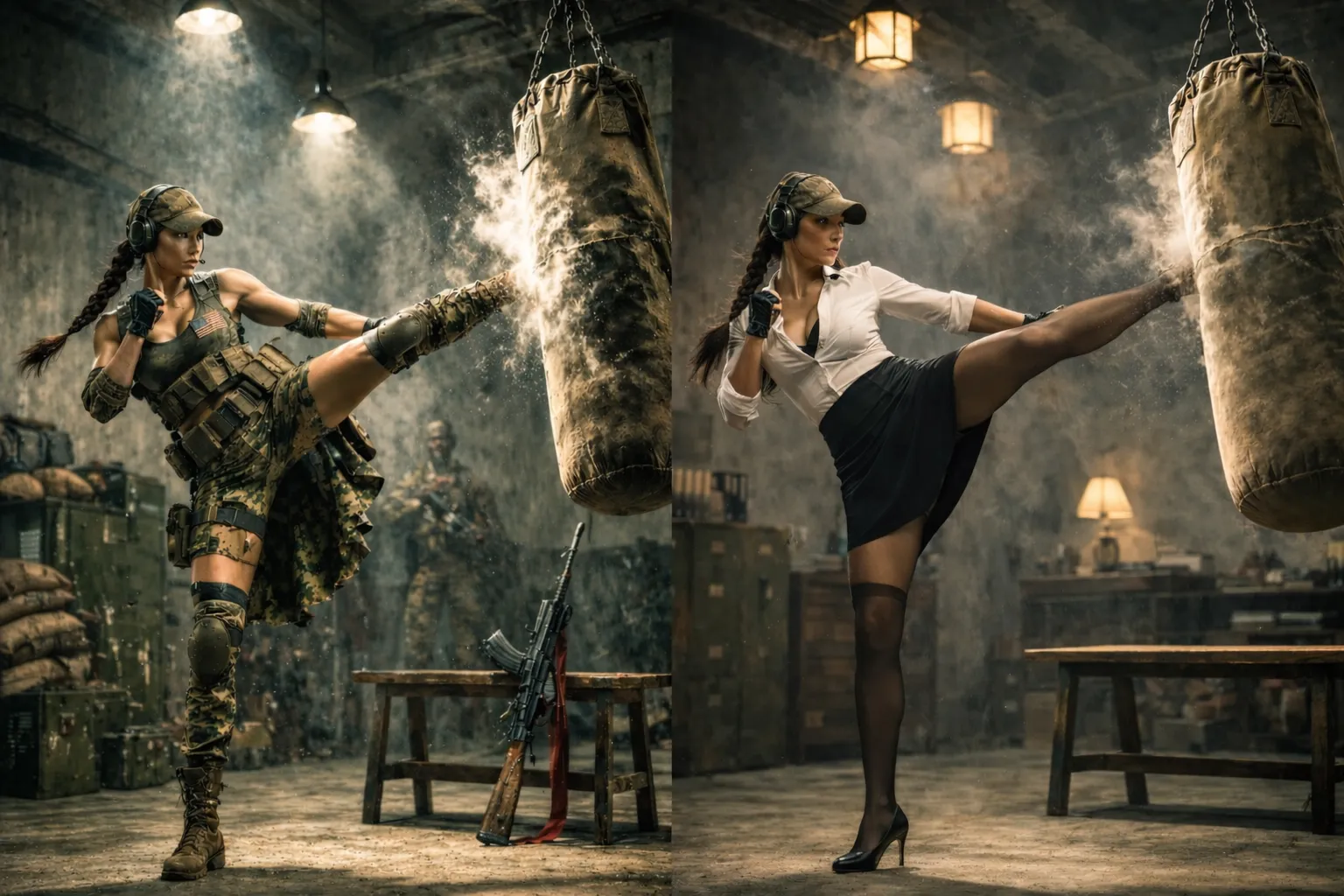
3. Generate, Review, and Refine
Inspect anatomy, text, product shape, identity, lighting, and composition. Make one focused change at a time when editing.
Review before download
AI-generated details can still be inaccurate and need human checking.
Refine in small steps
Change one visual decision at a time to preserve the parts that already work.
Verify usage rights
Review uploaded assets, likenesses, logos, and commercial-use terms.
Seeddream AI Image Creation Features
A focused browser workflow for generating, editing, comparing, and downloading AI images.
Prompt-Based Generation
Turn natural-language instructions into new images.
Image-to-Image Editing
Use uploaded references to guide controlled changes.
Multiple References
Supported models can use several images for identity, style, objects, or composition.
High-Resolution Options
Choose available 1K, 2K, or 4K output based on the selected model.
Model Comparison
Understand which Seeddream version is connected and what each version is best suited for.
Generation History
Return to previous tasks, results, and prompts from your account.
What You Can Create with Seeddream
Use Seeddream for real image-generation and editing work rather than generic one-click demos.
Product Images
Create clean hero shots, lifestyle scenes, packaging concepts, and campaign variations.
Posters and Text Visuals
Build event posters, promotional graphics, title cards, and information-rich layouts.
Consistent Characters
Use references to explore the same face, outfit, product, or mascot across variations.
Social Content
Prepare square, vertical, and landscape visuals for posts, covers, ads, and articles.
Photo and Scene Editing
Change backgrounds, objects, colors, lighting, composition, or visual style.
Concept and UI Visuals
Explore product concepts, interface mockups, presentations, and educational graphics.